Plugin Showcase And E2E Walkthrough
This document shows the current end-to-end plugin workflow in the local WPrint 3D stack, using the built-in sample plugin and the browser automation run captured on March 13, 2026.
What Was Verified
CLI scaffold generation with
./plugin.sh makeCLI packaging with
./plugin.sh packCLI install and enable with
./plugin.sh installand./plugin.sh enableBrowser login into the running WPrint 3D instance
In-app plugin management from
Settings -> PluginsDeclarative plugin UI rendering inside the app
Plugin action execution from the host-rendered UI
Plugin disable and re-enable from the management UI
Website marketplace shell at
wprint3d.github.io/app/plugins.tsx
Automation Artifacts
Browser E2E script: scripts/e2e_plugin_showcase.py
Unpacked install E2E script: scripts/e2e_unpacked_plugin_install.py
Packaged install E2E script: scripts/e2e_octoprint_navbartemp_package.py
Generated screenshots: docs/assets/plugins
Re-run the browser capture with:
python3 scripts/e2e_plugin_showcase.py

# optional when your local proxy uses a non-default port
BASE_URL=https://127.0.0.1:8443 python3 scripts/e2e_plugin_showcase.py

# unpacked live-source install flow from the development mount
python3 scripts/e2e_unpacked_plugin_install.py

# packaged .w3dp build + browser-authenticated upload/install flow
python3 scripts/e2e_octoprint_navbartemp_package.py
1. Create A New Plugin Scaffold
Verified command:
./plugin.sh make acme.showcase "Showcase Plugin" --path=tmp/showcase-plugin
Observed generated files:
tmp/showcase-plugin/README.md
tmp/showcase-plugin/actions/ping.php
tmp/showcase-plugin/hooks/on_boot.php
tmp/showcase-plugin/plugin.json
tmp/showcase-plugin/plugin.php
The generated manifest defaults to:
phpruntimedeclarative
settings_tabUIa lightweight
pingactionunsigned packaging by default
This matches the intended low-memory default for SBC-class hardware.
2. Package And Install A Plugin
The packaged and installed plugin in this run was the built-in example at examples/plugins/hello-world.
Verified commands inside the running backend container:
docker exec wprint3d-core-backend-1 php artisan plugin:pack /var/www/examples/plugins/hello-world
docker exec wprint3d-core-backend-1 php artisan plugin:install /var/www/examples/plugins/hello-world/builds/hello-world.w3dp
docker exec wprint3d-core-backend-1 php artisan plugin:enable wprint3d.hello-world
docker exec wprint3d-core-backend-1 php artisan plugin:list
Verified installed state:
+----------------------+-------------+---------+---------+----------+
| ID                   | Name        | Version | Enabled | Trust    |
+----------------------+-------------+---------+---------+----------+
| wprint3d.hello-world | Hello World | 0.1.0   | yes     | unsigned |
+----------------------+-------------+---------+---------+----------+
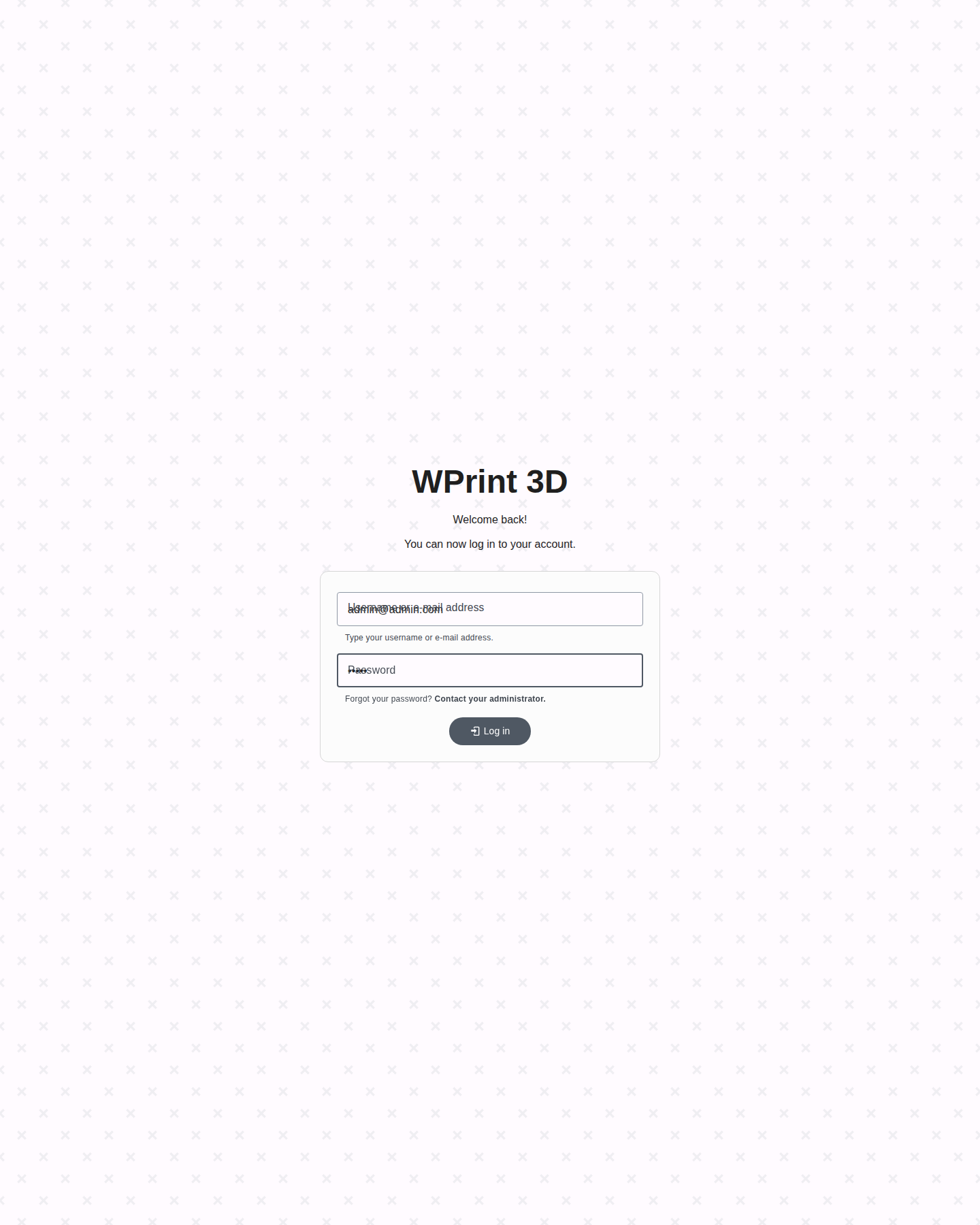
3. Log In To The Running App
The browser flow used the local stack already running on https://127.0.0.1/.
Test account used in this run:
E-mail:
admin@admin.comPassword:
admin
Login screen screenshot:
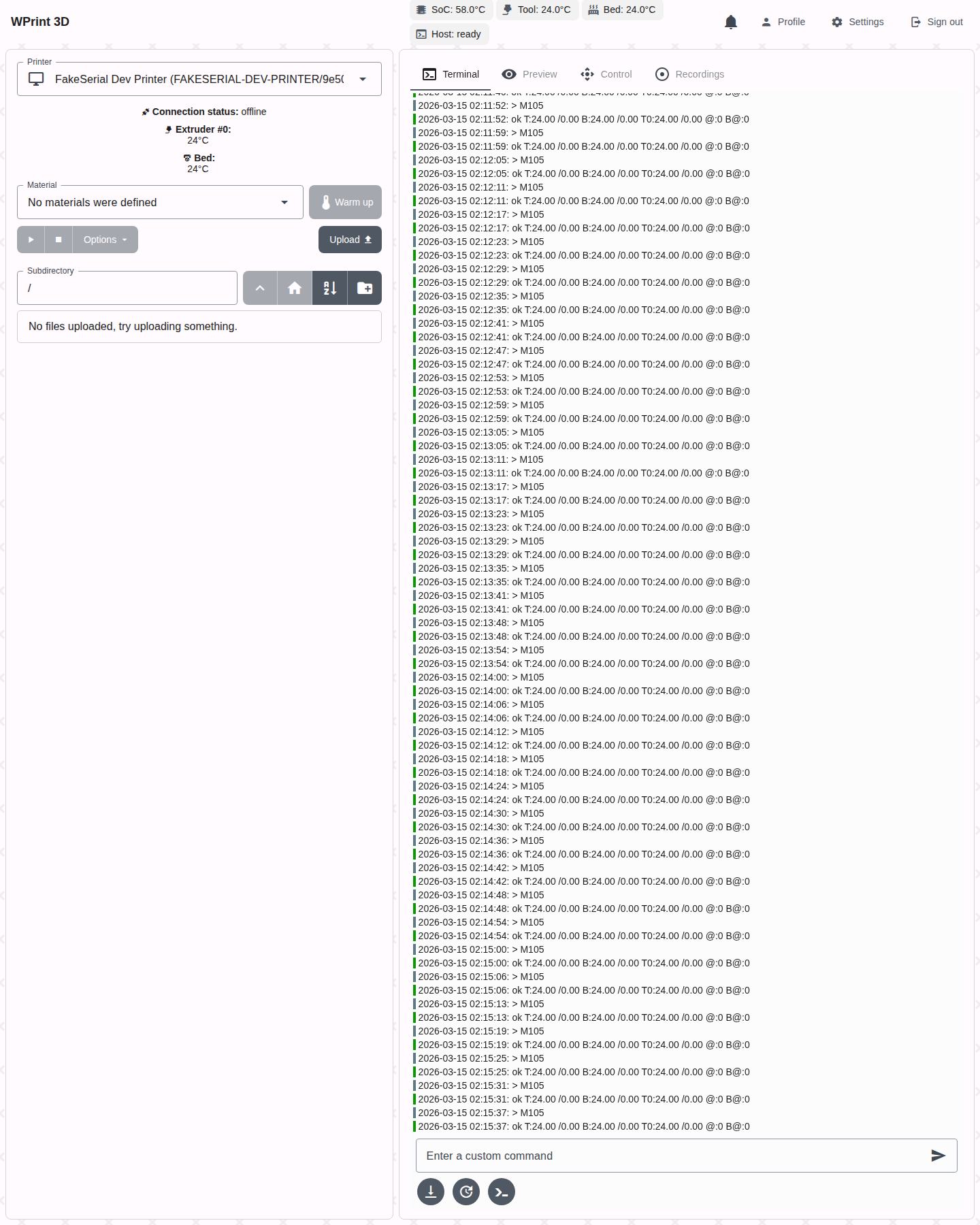
Dashboard after login:
4. Manage Plugins In The UI
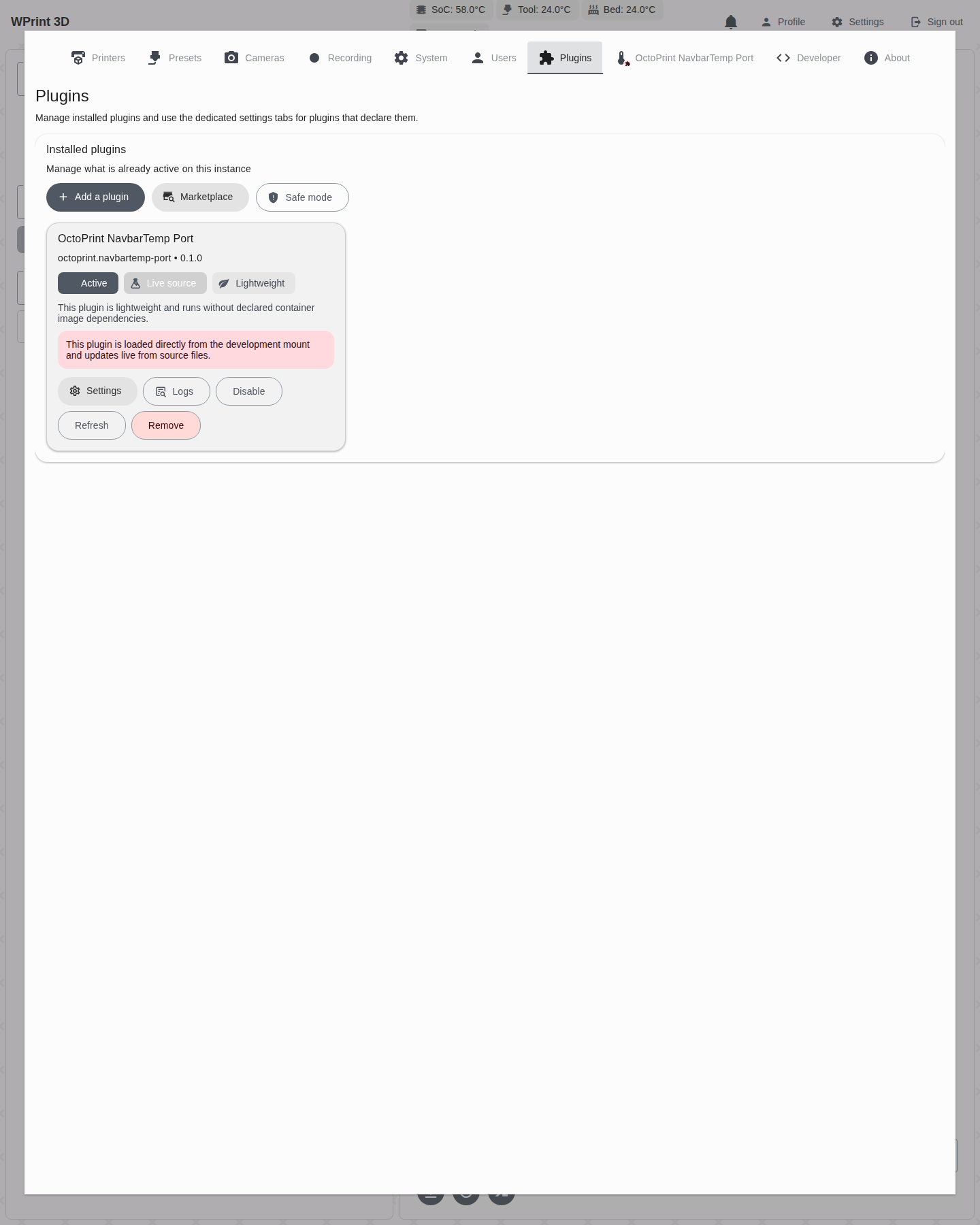
From the top navigation, open Settings, then switch to the Plugins tab.
What was present during the run:
add-plugin and marketplace entry points
installed plugin card for
Hello Worldtrust warning for unsigned sideloaded plugins
dedicated plugin settings tab reachable from the card’s
Settingsbutton
Screenshot:
5. Execute A Plugin Action
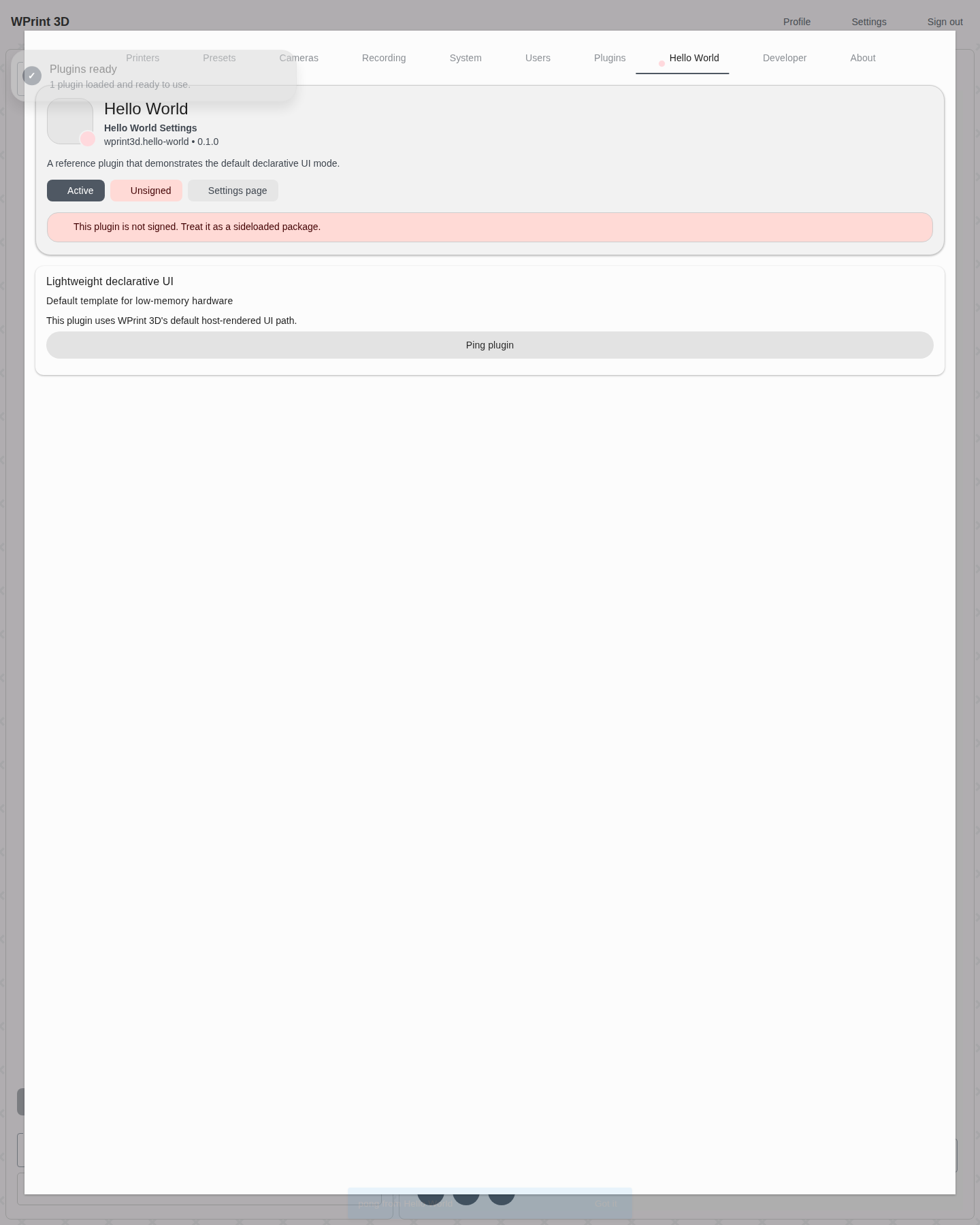
The Hello World plugin exposes a declarative Ping plugin button inside its dedicated Hello World Settings tab. Clicking it triggered the backend action and produced the toast pong from Hello World.
Screenshot:
This validates the path:
declarative UI registration
dedicated plugin settings-tab routing
backend action dispatch
plugin PHP runtime execution
response surfaced back into the app
6. Disable And Re-Enable The Plugin
The same browser run toggled the plugin off and then back on from the Installed plugins card, including the confirmation prompts now shown for lifecycle changes.
Disabled state:
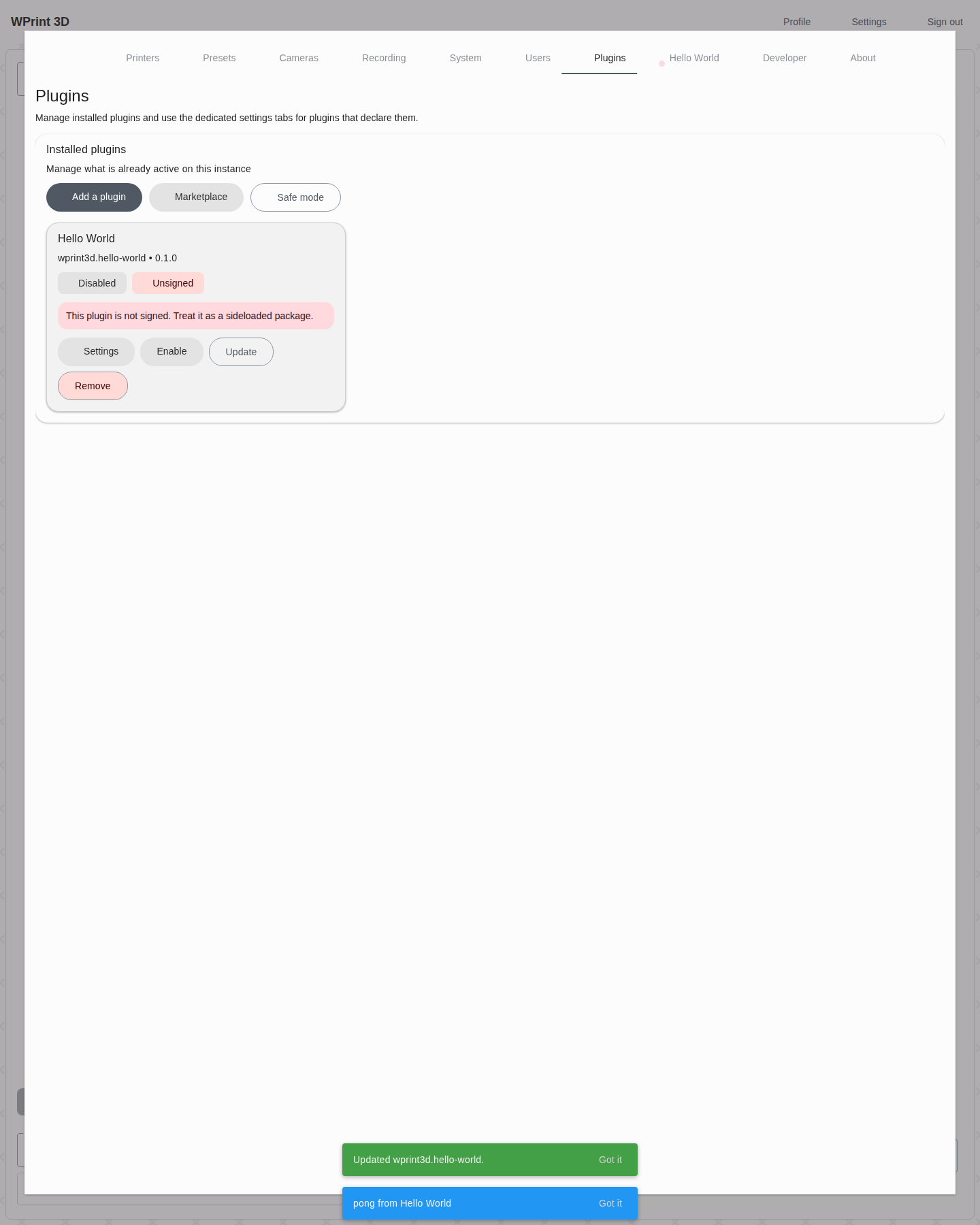
Enabled again:
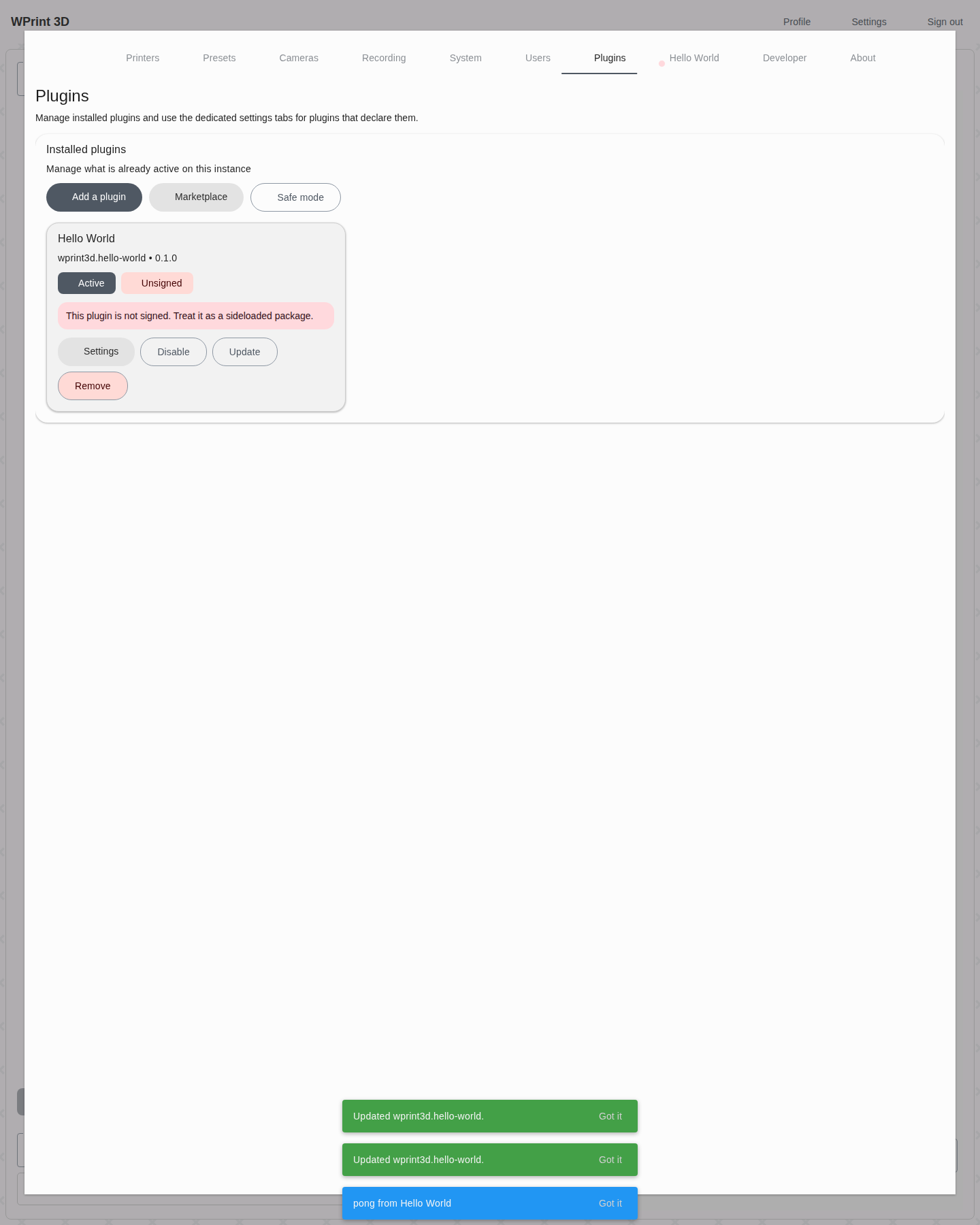
This verifies that the management UI is mutating the plugin lifecycle correctly through the new plugin API surface.
7. Marketplace Page
The website route at http://127.0.0.1:8082/plugins rendered the plugin marketplace shell successfully.
Screenshot:

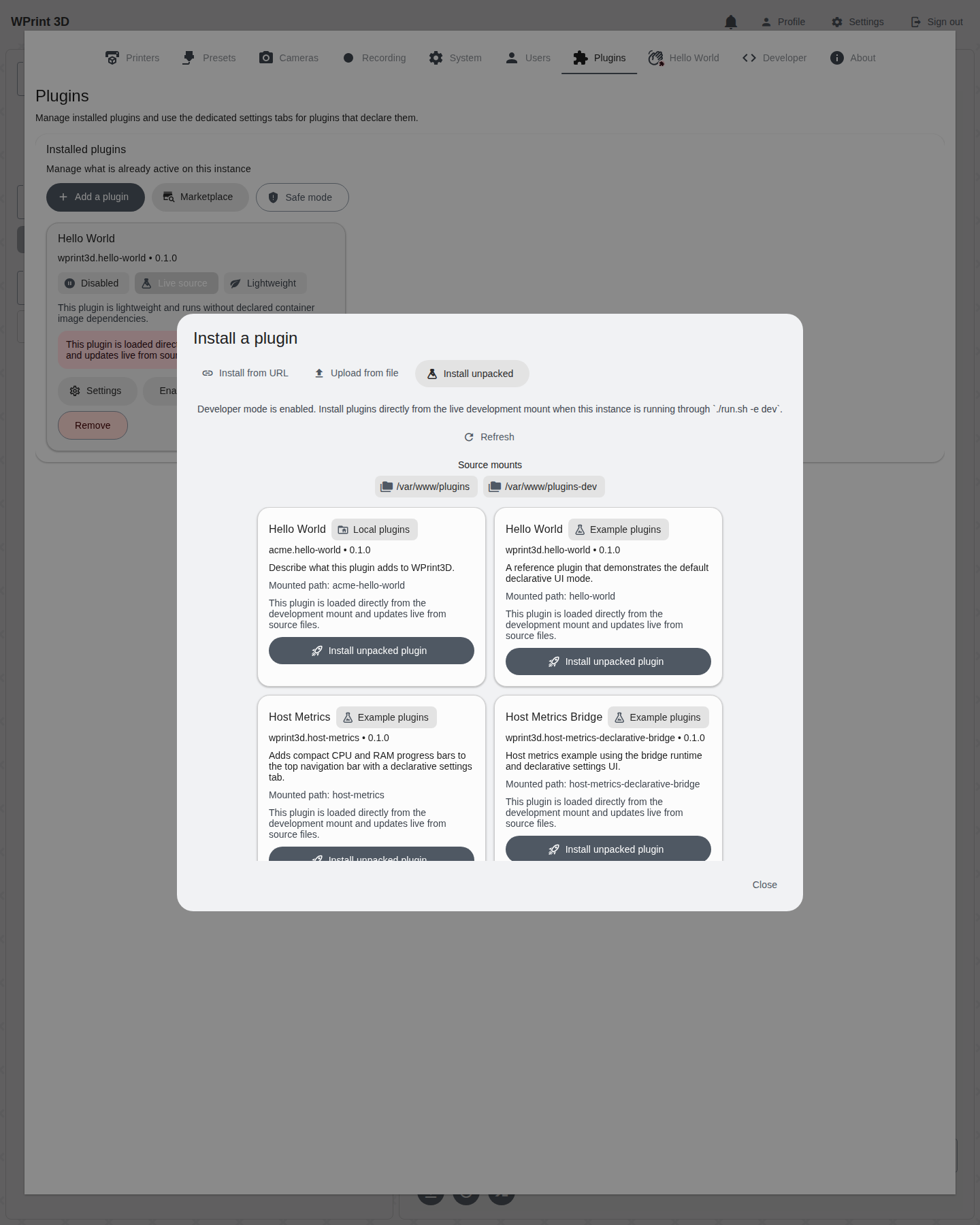
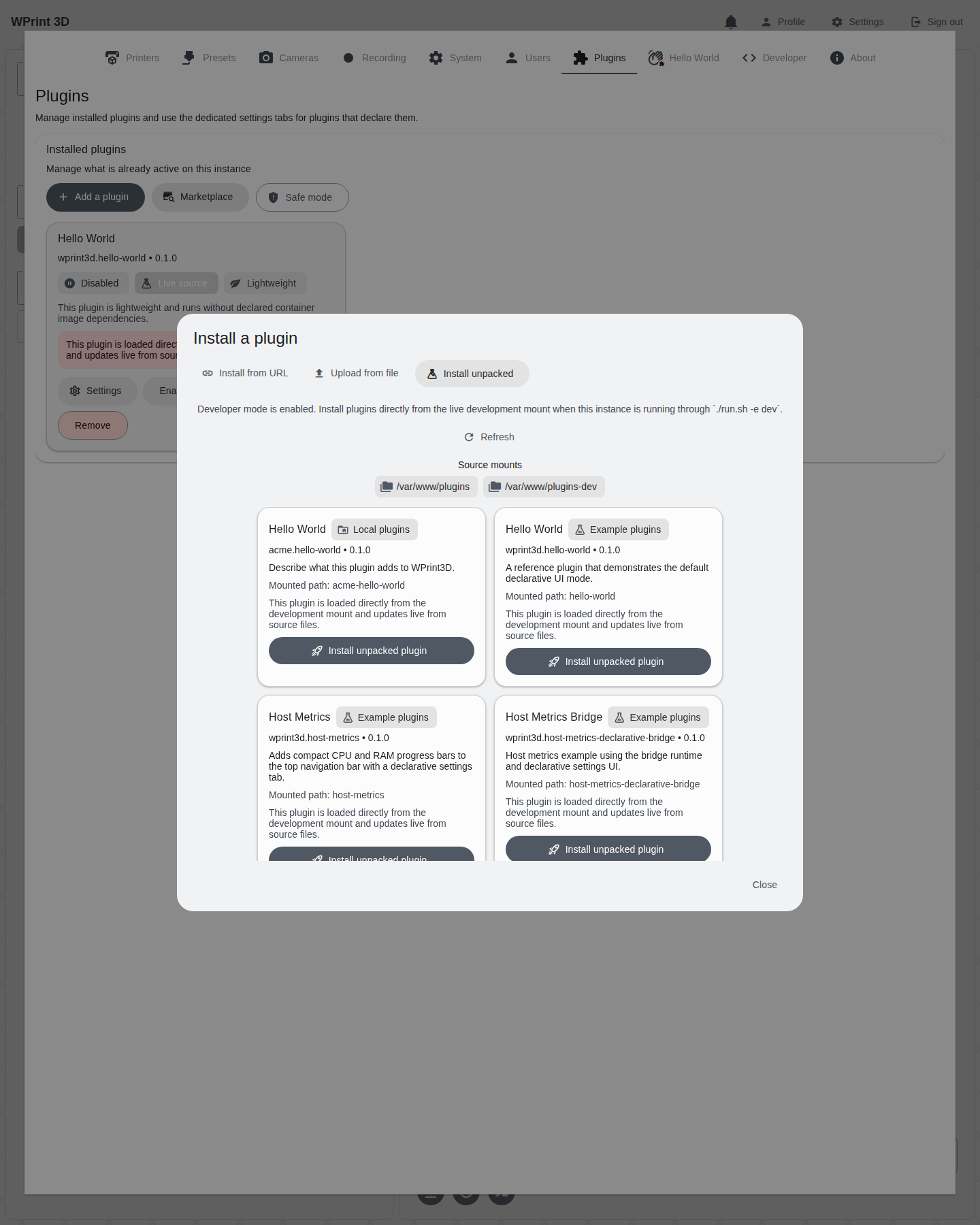
8. Unpacked Plugin Install Flow
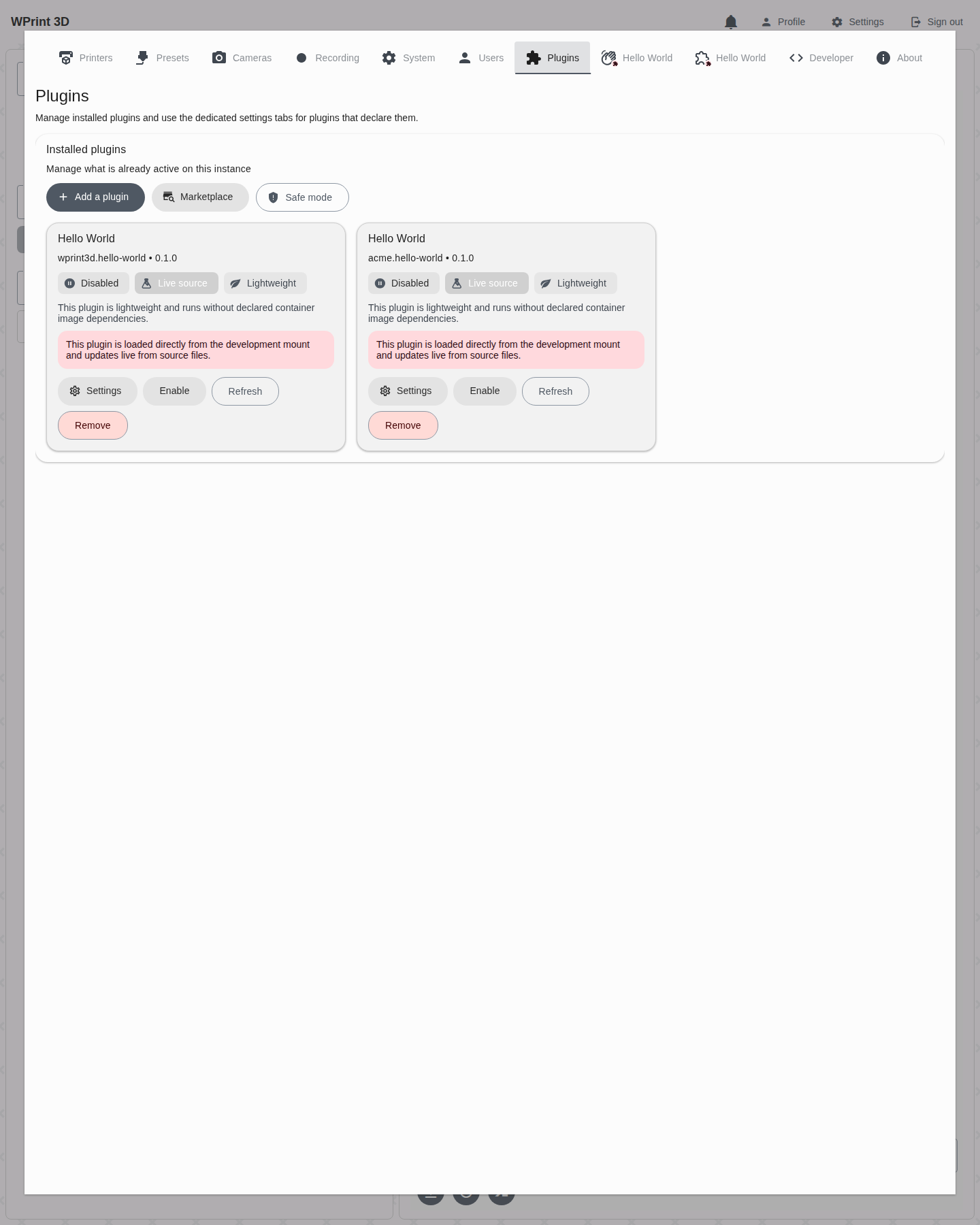
The live development mount flow is now covered by a dedicated browser run that:
logs into the running stack
opens
Settings -> Plugins -> Add a plugin -> Install unpackedverifies both live source roots:
local scaffolds at
/var/www/pluginsbundled examples at
/var/www/plugins-dev
confirms the scaffolded plugin
acme.hello-worldappears ahead of the examples in the modalinstalls
acme.hello-worlddirectly from sourceconfirms the installed plugin card renders in the list UI
Screenshots:
Note:
During this run, the page shell loaded correctly.
The remote registry index did not populate because the configured GitHub-backed index request returned errors in this environment.
That means the listing shell is implemented and routable, but a healthy registry endpoint is still required for populated marketplace content.
9. Packaged .w3dp Install Flow
The release-package path is now covered through the OctoPrint NavbarTemp port example. That browser run:
builds
examples/plugins/octoprint-navbartemp-port/builds/octoprint-navbartemp-port.w3dpuploads it through an authenticated browser session
verifies the installed card renders as a packaged sideload:
Unsignedno
Live source
enables the packaged plugin
opens its dedicated settings tab and confirms the packaged bundle renders
Screenshots:


Current Gaps Observed During E2E
The official registry section in both the app and website depends on a reachable index URL. In this environment, that request failed, so registry browsing was only partially validated.
The local app uses a self-signed or untrusted certificate in this stack, so browser automation needed HTTPS certificate bypass.
The Expo web upload widget still does not expose a stable native file-input path for headless browser automation, so the packaged upload regression drives the same authenticated multipart install endpoint directly instead of relying on synthetic drag-and-drop.
Recommended Next Checks
Point
PLUGIN_REGISTRY_INDEX_URLto a working registry and repeat the browser flow for registry install/update.The full runtime/UI shape matrix now lives in docs/plugin-shape-matrix-e2e.md.